
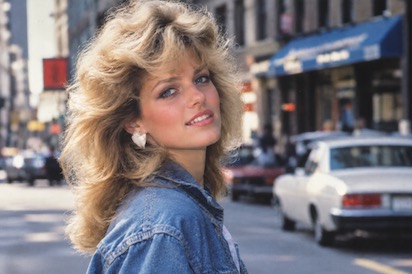
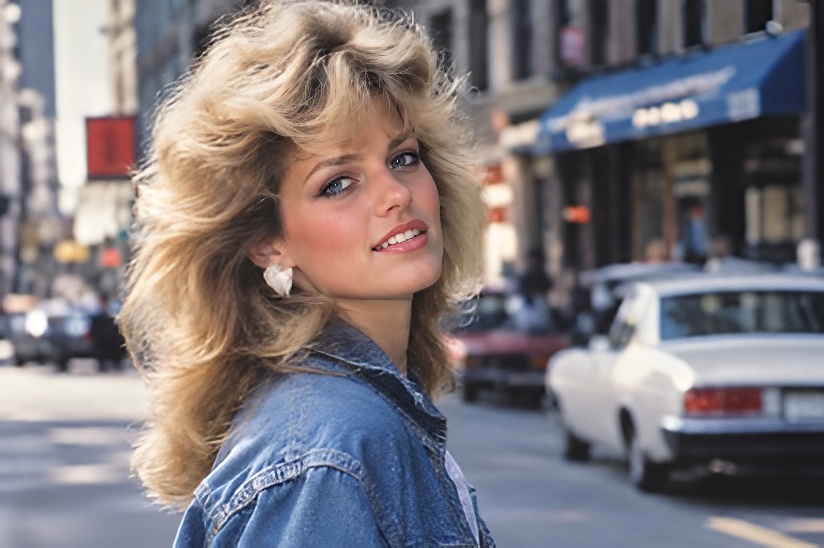
 BeforeAfter
/ 01 · RESTORE
Restore Old Photos
- Sharpen & upscale blurry regions
- Balance lighting & contrast
- Recover fine detail
AI Photo Toolkit
Sharpen blurry shots with the AI image upscaler, retouch portrait photos or colorize black and white images — one click each, no editing skills, no watermark on the first pass.
Pick a tool and add a photo to continue.
Image To Image AI understands what is in the frame — skies stay blue, skin keeps its texture, and old prints get era-aware colors.
Drag & drop, browse your files or pick one of our samples. JPG, PNG and WEBP are all welcome.
Restore, Beauty or Colorize — switch any time. The live preview follows your pick instantly.
Processing starts right away. Compare before / after and download your photo in seconds.
Same two steps every time. Hover a card to see what it does, or jump straight in.
BeforeAfter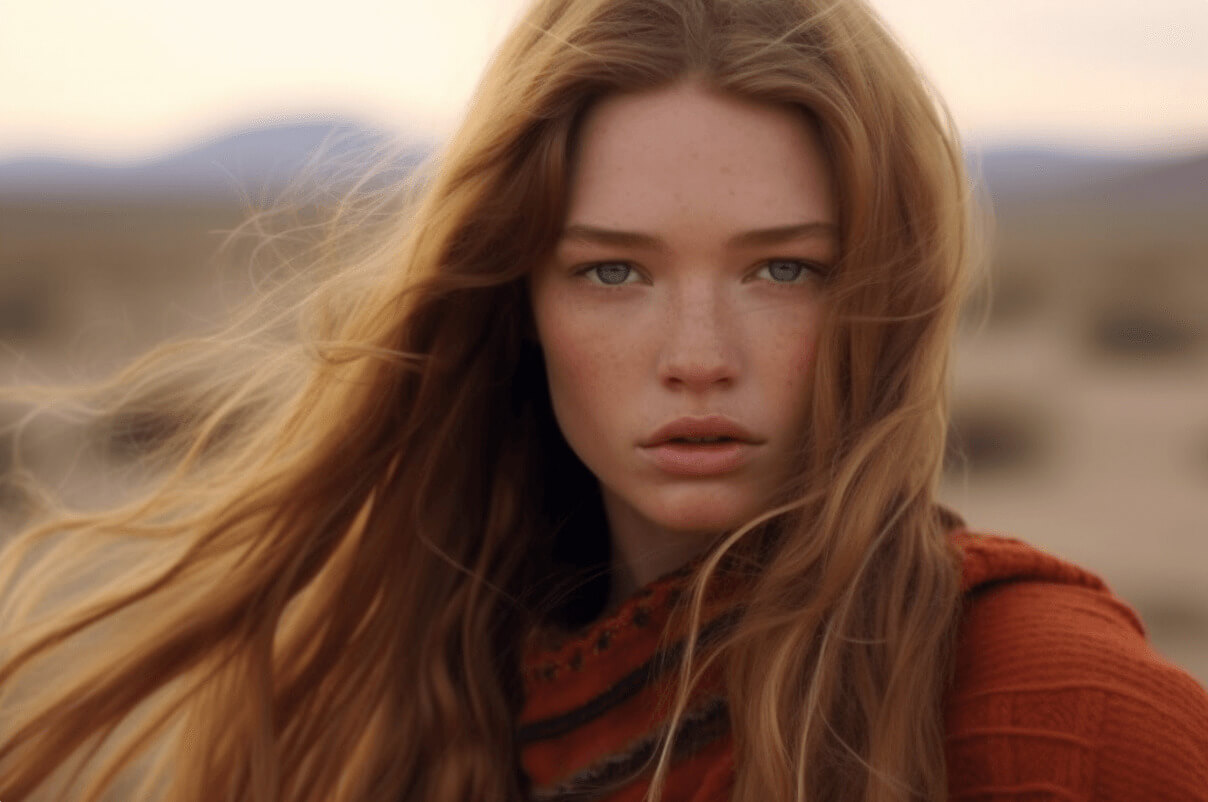
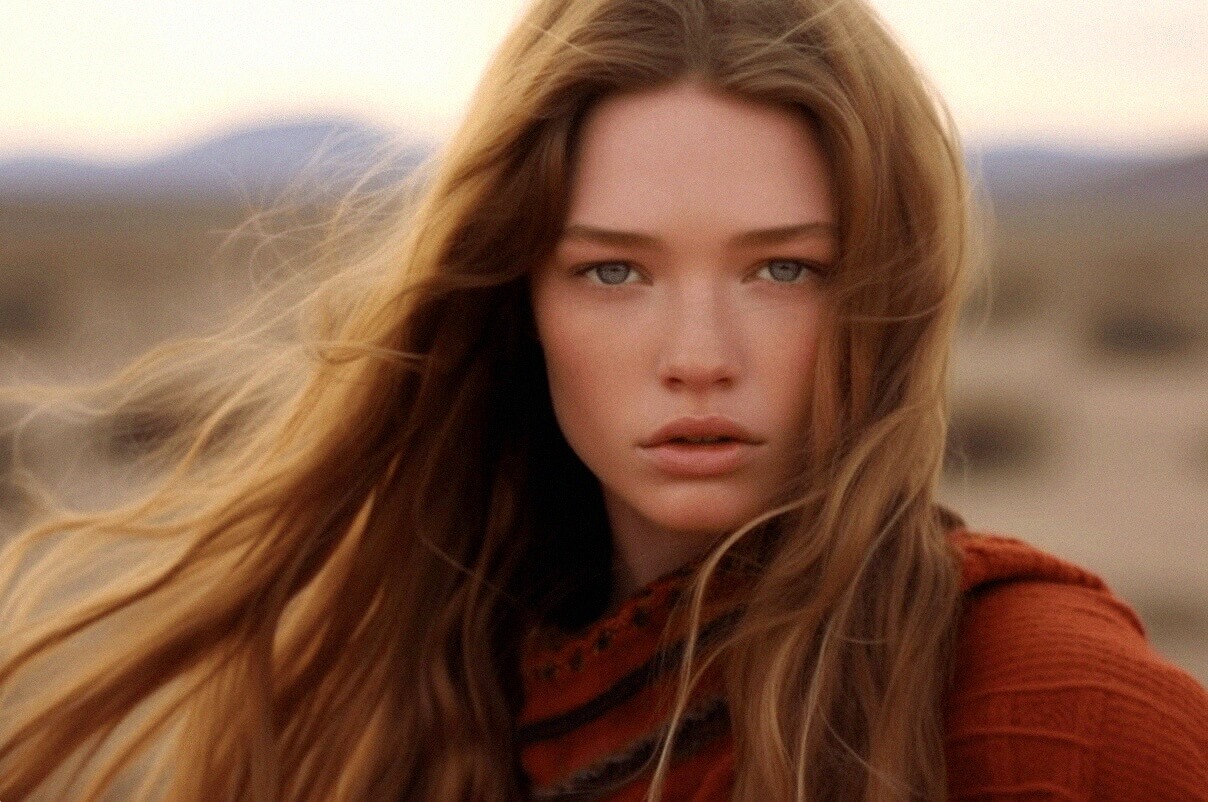 BeforeAfter
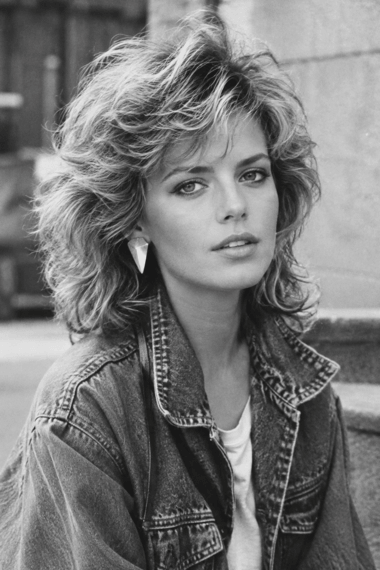
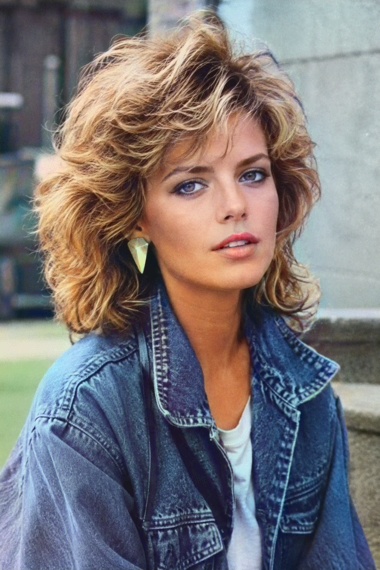 BeforeAfter
Upload your first photo and watch it come back to life — free, no sign-up walls, no watermark on the first pass.
Image To Image AI is a browser-based photo editing app. You upload a photo you own, pick one of three one-click AI tools, and download the result — no editing skills, no software to install, and no account needed for your first edit.
The app does one job: it repairs and improves ordinary photographs. People use it to bring family archive photos back, to sharpen blurry phone photos, to retouch a portrait before printing it, and to colorize old black-and-white prints. Every result is produced from the photo you upload — the app never invents a different scene and never asks you for a prompt.
It exists because most photo repair still means a desktop editor and an hour of manual work. Three fixed tools with sensible defaults let a scan, a phone photo or a portrait be fixed in one click, in the browser, on desktop or mobile.
Image To Image AI is a photo-repair tool, not a generator of people. It must not be used to create non-consensual intimate imagery (NCII), sexualized content involving minors, child sexual abuse material, or any other image that is abusive, non-consensual or unlawful — and we do not use Google APIs for any such purpose. Uploading or producing that content breaches our Terms of Service: the content is removed, the account is terminated and, where the law requires it, the matter is reported to the authorities. Every page carries a Report abuse link, and every report is reviewed by a human.
Read the detail:Privacy PolicyTerms of Service
AI photo toolkit — restore old photos, upscale images and colorize your memories.